WinRAR
WinRAR is an effective tool for compressing, archiving, and sharing files

Safe & Secure
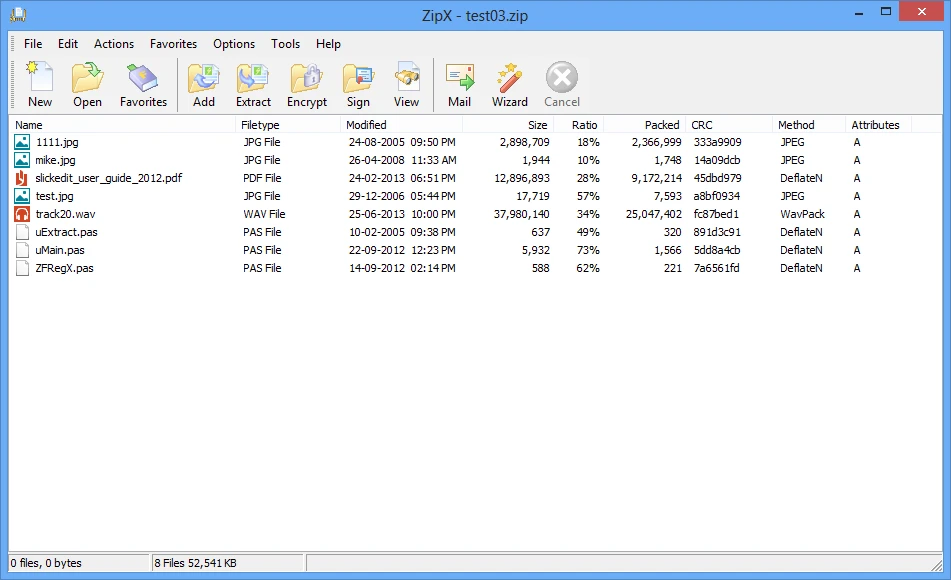
ZipX is a simple, yet efficient file archiver to offer quick and easy way of compressing files, enabling the users to create as well as handle their archives more reliably. It supports multiple file formats for managing various types of files using an easy-to-follow wizard approach. It is free to use and reliably usable for various platforms.
The free-to-use utility with a fully functional evaluation version works without encountering any kind of restrictions. The support for multiple additional features and choice of compression level enables the users to create new archives, or add files to existed on, without any security threat.
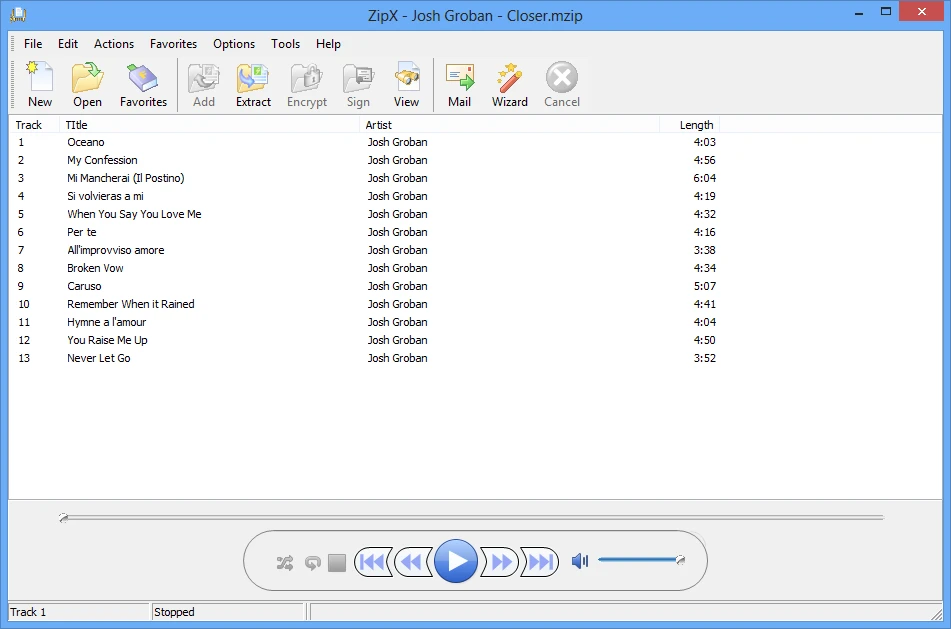
Clean and well-organized graphical interface offers a toolbar for the ease of users to easily access to all of the features. The entire process is simple, as you will find step-by-step instructions for creating or opening archives, extracting files from an archive, or adding more files, and even encrypting them. Moreover, you will capable of marking the archives as favorites, adding them to a list, on a separate window, open files, within an archive, or use email for sending and opening archives.
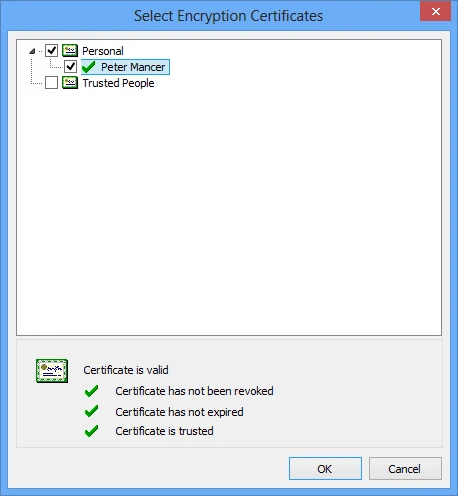
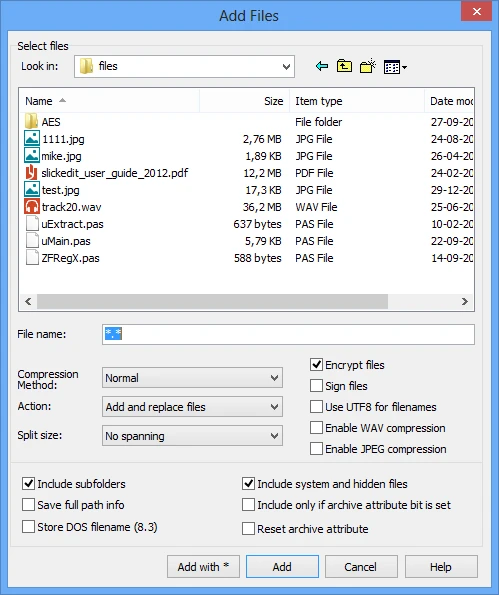
After creating a new archive, you will be prompted with options for adding files and setting a series of compression settings. You can manage all related tasks easily, such as selecting a compression method, saving full path information, splitting the archive into multiple volumes, and so on. You can also add more files, even at a later date, using the Add button right from inside the archive. Moreover, seamless encryption for archives is also supported. So, you will find multiple encryption protocols, such as AES, DES, 3DES, RC2, and RC4 algorithms, and you can also protect your archives using a password, a certificate, or both. It also offers simple configuration for users to make changes to their preferences.
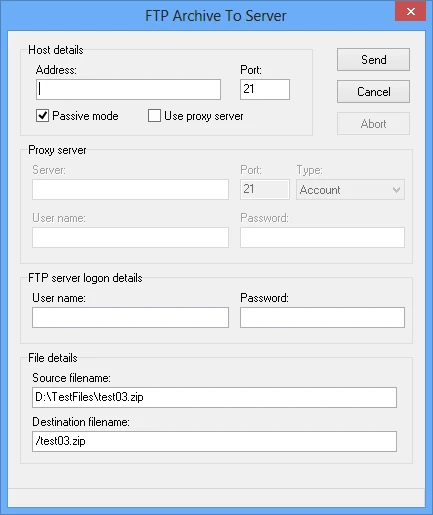
The support for multiple file formats, including ZIP, ZIPX, 7-Zip, ACE, RAR, TAR, TGZ, ARC, and so on, is available to offer a flexible and versatile process of file archiving. You cannot only view the list of files available within an archive, but also delete, rename, or sort them inside it. You can split and encrypt files, and also convert ZIP files into SFX format. To make transfer easy over the Internet, files are encoded in UUEnc format. Moreover, you can check the integrity of archives using file hash codes, such as MD5, SHAI, and CRC32. It makes the file archiving process simple and easy, offering Shell integration, drag-&-drop option, auto-fixing, virus scanning, printing, and mailing option as well.
Pros
Cons

WinRAR is an effective tool for compressing, archiving, and sharing files

7-Zip, compress, and decompress files with support of multiple formats
TeraBox for PC, store and manage your digital data with up to 1TB of free cloud storage

Cloud Storage managing App of files with Mega.nz

Google Drive is a cloud-based storage for managing, syncing, and sharing your files across multiple devices